Read the supplied guide.
Review product-specific limits, setup steps, indicators, environmental ratings, and cleaning instructions.
Practical care guidance for chargers, power banks, cables, audio devices, wearables, creator gear, gaming accessories, smart home products, cameras, sensors, trackers, and connected displays. Always follow the instructions supplied with your specific product first.
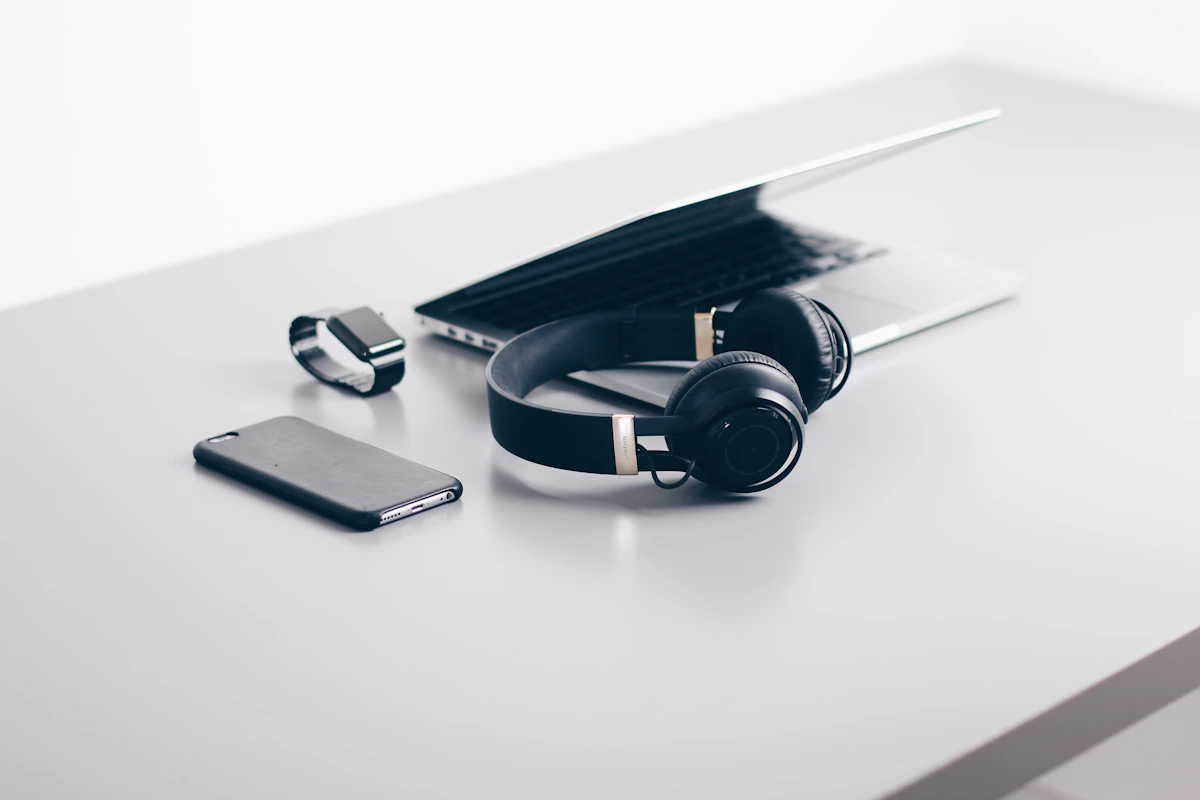
Good care begins before a device is plugged in, paired, mounted, worn, or installed. A quick inspection and a compatible setup can help reduce avoidable wear, charging issues, unstable connections, and unsafe operation.
Review product-specific limits, setup steps, indicators, environmental ratings, and cleaning instructions.
Check plugs, cable jackets, ports, pins, housings, mounts, and battery compartments before use.
Keep devices on a firm surface with ventilation, away from liquids, direct heat, and crushing pressure.
Confirm connector type, input and output ratings, wireless standard, app support, and device compatibility.
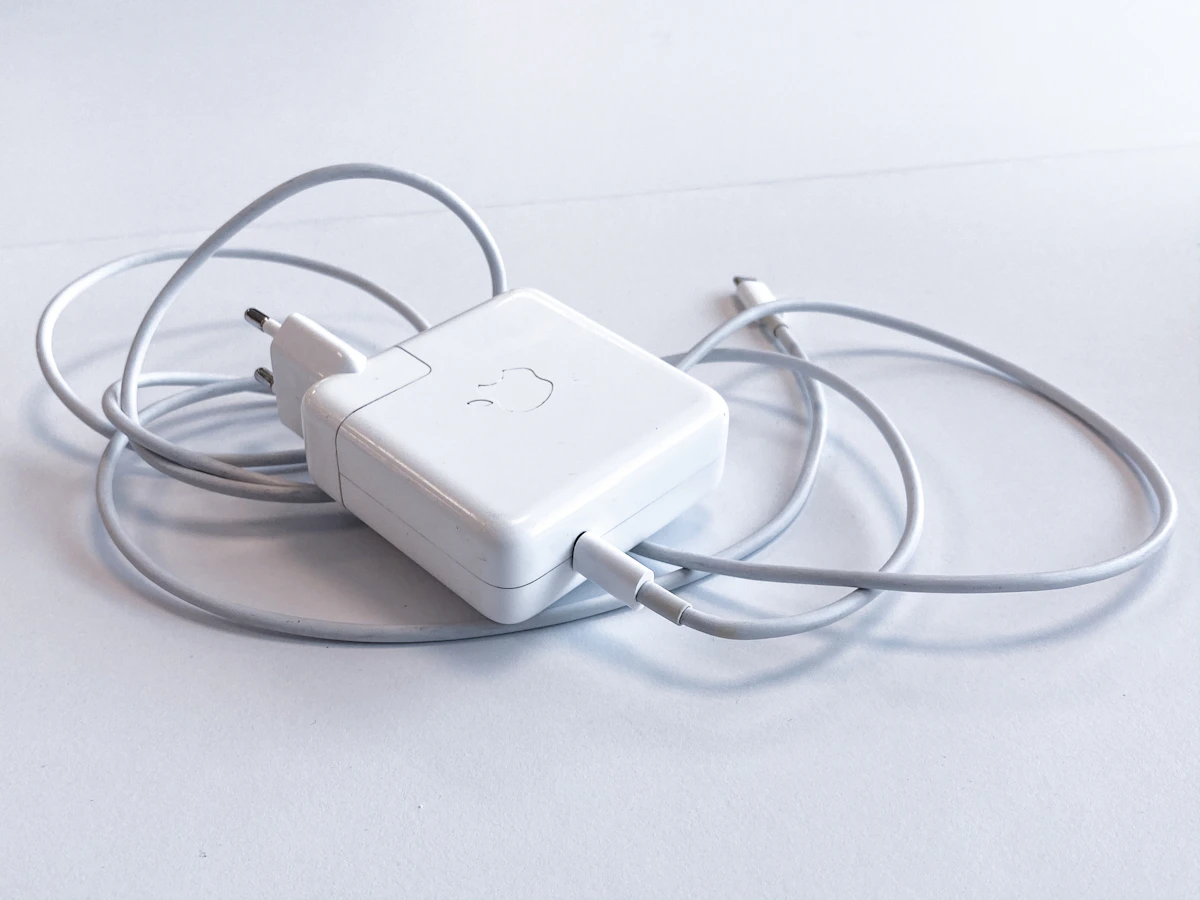
Power products work best when voltage, current, wattage, cable capability, and connector type are correctly matched. Heat can increase during fast charging, so airflow and surface choice matter.
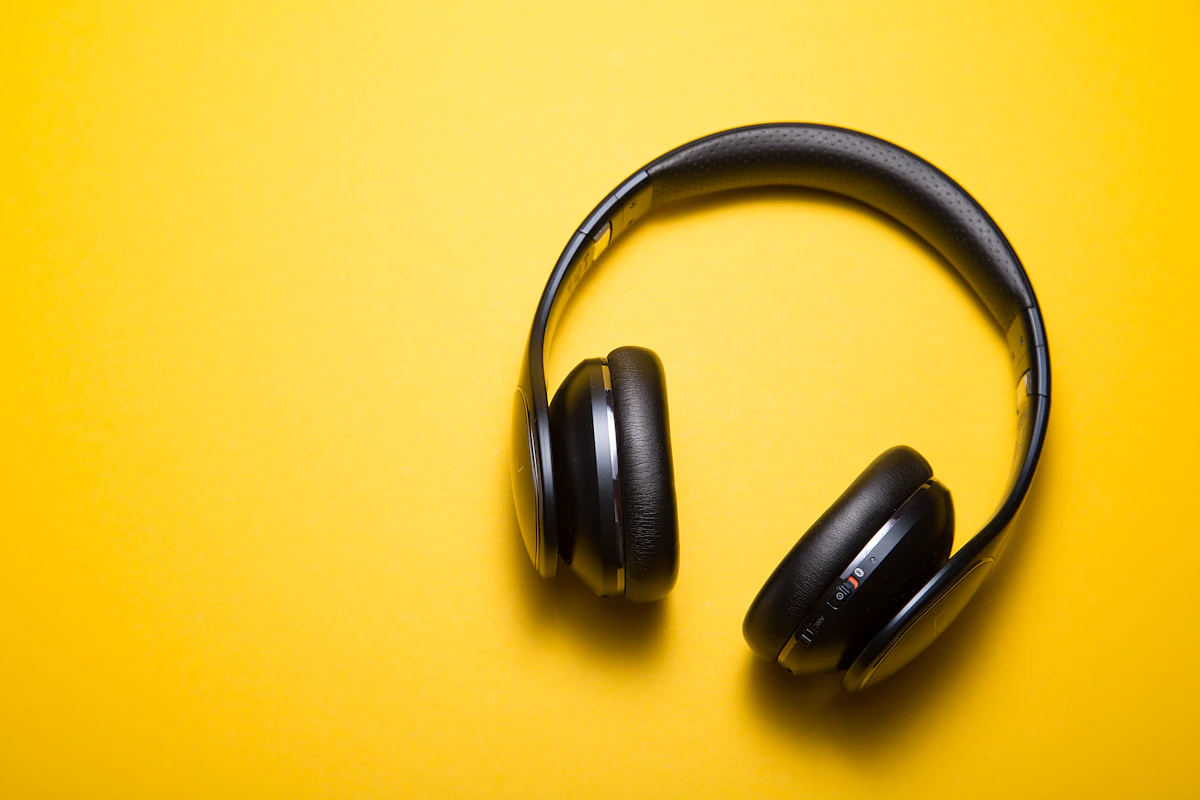
Earbuds, headphones, watches, fitness trackers, microphones, and controllers collect skin oils, dust, and moisture. Gentle surface cleaning helps preserve comfort, sensors, ports, controls, and acoustic openings.
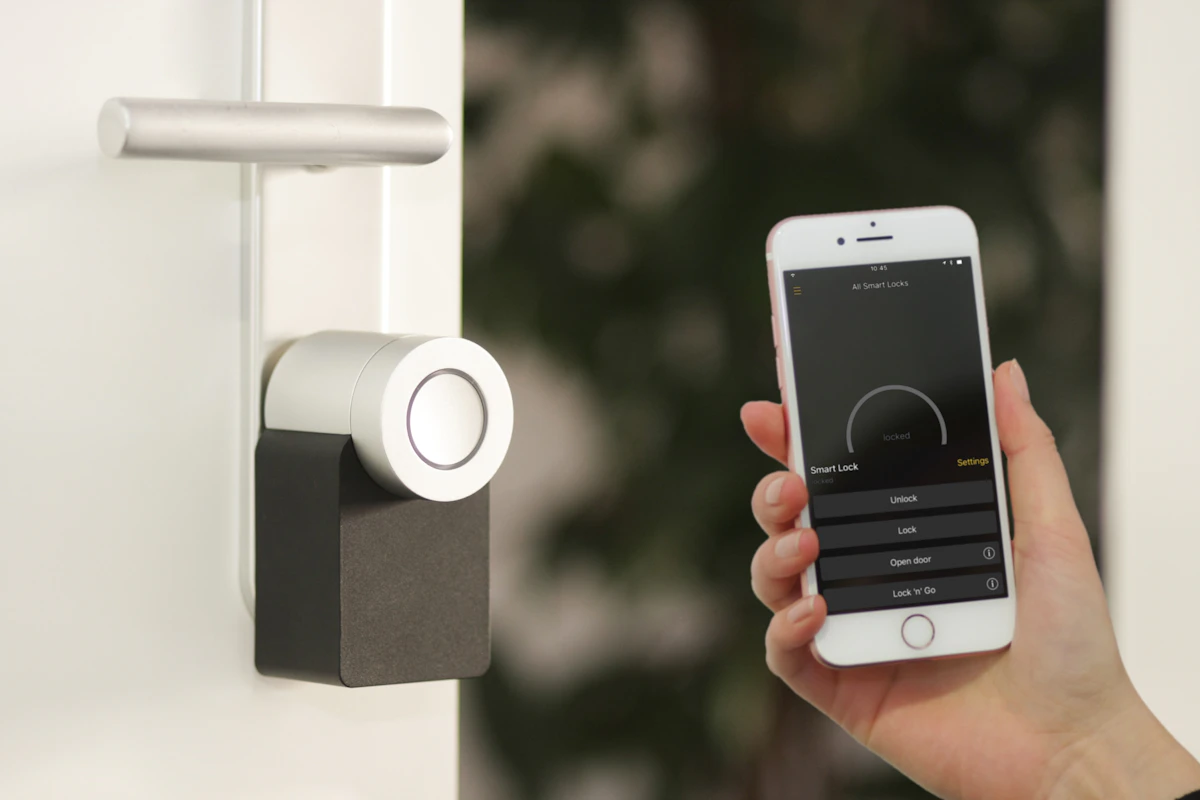
Smart home devices combine electrical hardware, network access, sensors, cameras, microphones, and app controls. Secure placement and routine software maintenance are both part of responsible product care.
Do not continue testing a product that shows signs of electrical, battery, structural, or environmental damage. Move it away from combustible materials when safe to do so and follow the product instructions for service or disposal.
Stop using a charger, battery, plug, cable, hub, wearable, or device that becomes unusually hot or repeatedly overheats.
Do not press, puncture, bend, charge, or continue using a swollen battery or a housing that has changed shape.
Disconnect power if safe when you notice burning odors, smoke, sparks, crackling, repeated buzzing, or arcing.
Do not energize a product after significant impact or liquid exposure until the product guidance confirms the next step.
Avoid aggressive chemicals, compressed air at close range, sharp tools, and excessive liquid unless the product manufacturer expressly permits them.
Use only a charger and cable that meet the device requirements for connector type, voltage, current, wattage, and supported charging standard. Higher advertised wattage does not guarantee compatibility.
Some warmth may occur, especially during fast charging. Stop use if heat becomes excessive, increases unexpectedly, causes discomfort, produces an odor, or appears together with swelling, discoloration, or repeated shutdowns.
Store it in a cool, dry, ventilated place away from direct sun, vehicles in hot weather, metal objects, crushing pressure, and combustible materials. Follow the supplied guidance for charge level and long-term storage.
Do not assume household cleaner is safe. Power off and unplug the product, then use the cleaning method approved for the specific finish, display, lens, seal, mesh, coating, or band material.
Disconnect external power when safe, turn the product off, and do not charge it until product-specific guidance says it is safe. Water resistance is not the same as waterproofing and may decrease with wear or damage.
Use a strong unique password, enable available multi-step verification, keep trusted apps and firmware updated, review shared access, remove old users, and periodically check camera, microphone, location, and notification permissions.
Follow the product instructions and local battery collection rules. Do not place rechargeable lithium batteries in household trash, puncture them, burn them, or continue using batteries that are swollen, leaking, damaged, or overheating.
Provide the product name, order number, device model, connected equipment, charger or adapter rating, a clear description of the issue, and photos of visible damage when safe to capture.
Smartion Product Care & Safety. General guidance for mobile power, personal technology, and smart home products.